Your cart is empty.

Safeguard your home with a wireless security camera system. Reolink AU store offers battery/solar-powered options with easy setup, smart detection, and remote viewing. Find the best wireless camera system to protect your property today.
Series/Type
Power Options
Network connection
Resolution
Lens
Night Vision
Light
Weatherproof
Channels
Color
Compatibility
Special Features
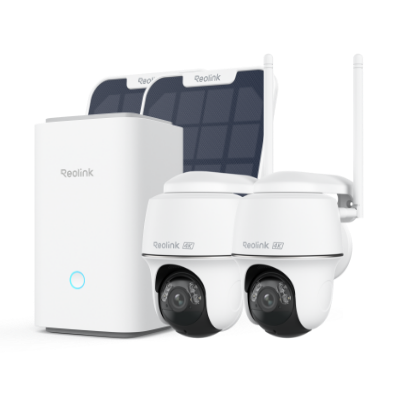
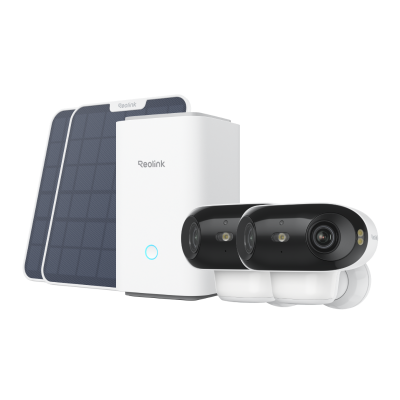

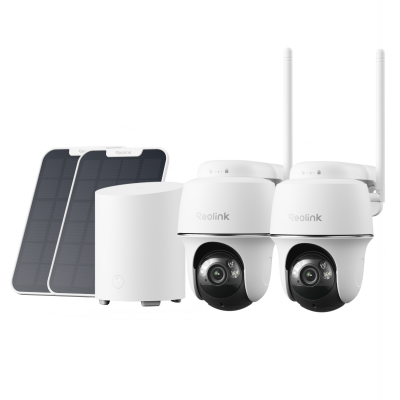
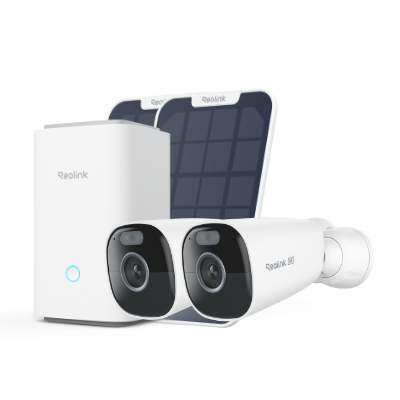

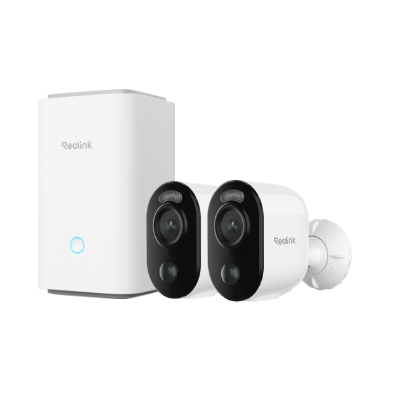
Wireless Security Camera System With Recorder: A wireless security camera system with a recorder or NVR is capable of connecting multiple cameras, such as 2, 4, 8, 16, or 32. It’s perfect for a large area that requires monitoring at multiple locations. It connects all security cameras to the recorder and allows users to control them through one platform and store all their data in one storage. It generally uses HDDs to store recordings and can be expanded.
Wireless Security Camera System With Home Hub: A wireless security system with Home Hub is suitable for a few security cameras, such as 2 to 8. It’s a security camera system to cover several areas and store video recordings with utmost security. The Home Hub offers free local storage where videos of all cameras are stored. It uses microSD cards for flexibility and protects data with anti-theft algorithms.
The best wireless security camera systems allow you to connect the desired number of security cameras and control them without any hassle. It offers a unified platform for easy access and storage of footage. It should offer all its advanced features, including remote access and smart detection, without any subscription.
Step 1: Power on the NVR or Home Hub. Connect the LAN port of your NVR to the router using an Ethernet cable.
Step 2: Open the Reolink app. Tap the “+” button. Scan the QR code at the back of the NVR. Tap Next. Enter the password and name your NVR. Complete the initialization process.
Step 3: For the setup, connect the cameras to the Wi-Fi router/switch via an Ethernet cable. Open the app, tap on the “+” button, and scan the QR code at the back of the camera. Complete the initialization process. Disconnect the camera from the router. Do the same with all cameras.
Step 4: You can place the cameras at the desired locations and power them. Now, open the monitor on your NVR. Go to Settings> Channel. Click Auto Add to add cameras to the NVR.
A wireless camera does not need any wires for power and connectivity. It relies on battery/solar power and uses Wi-Fi or cellular network for internet access. On the other hand, a Wi-Fi camera uses a nearby Wi-Fi network for internet access. However, when it comes to power, it could be wireless (battery/solar powered) or connected to a nearby power outlet.
Wireless CCTV requires regular recharging of the battery through an adapter or solar panel. If the battery is not charged due to clouds or any other reason, it will stop working. Due to wireless connectivity, it’s also susceptible to interference, bandwidth issues, and latency (delays). There is also a risk of interception or hacking.
If your backyard is visible from the neighbor’s property over the fence or from the second-story window, it’s not usually illegal to point the camera because what it records is already visible. However, it’s illegal to record a neighbor’s private activities intentionally. The real measure is the intrusion of privacy. Neighbors cannot invade your privacy and point cameras at places where privacy is expected.


Be Prepared, Be Ahead
Never miss Reolink hot deals, news, and updates tailored for you.
Be Prepared, Be Ahead
Never miss Reolink hot deals, news, and updates tailored for you.



Google, Google Play, Google Assistant and related marks and logos are trademarks of Google LLC. Amazon, Alexa and all related logos are trademarks of Amazon.com, Inc. or its affiliates. Mac and Safari are trademarks of Apple Inc. App Store is a service mark of Apple Inc., registered in the U.S. and other countries. Firefox and the Firefox logo are trademarks of the Mozilla Foundation in the U.S. and other countries. Other product and company names mentioned herein may be trademarks of their respective companies.