Your cart is empty.

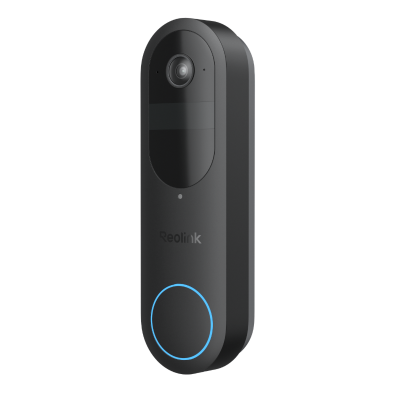
Reolink Video Doorbell enhances home security with its advanced features. It lets you see who's at the door before opening and records footage if you miss a visitor. You can also send preset messages and use voice control to make your home smarter.
Series/Type
Scenarios
Power Options
Network connection
Resolution
Lens
Night Vision
Weatherproof
Channels
Color
Compatibility
Special Features
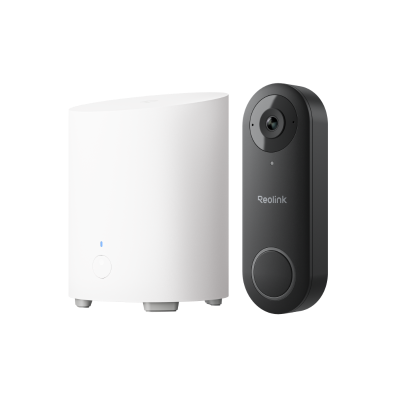
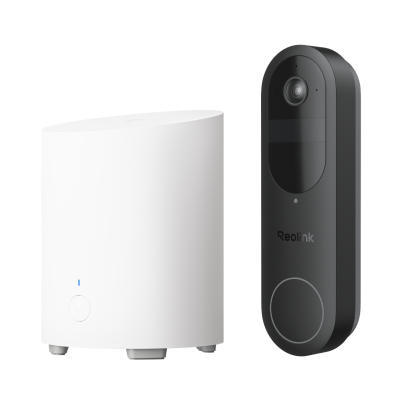
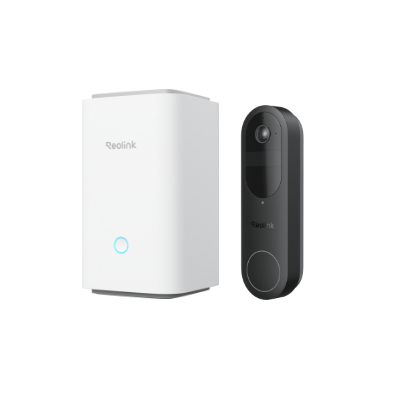
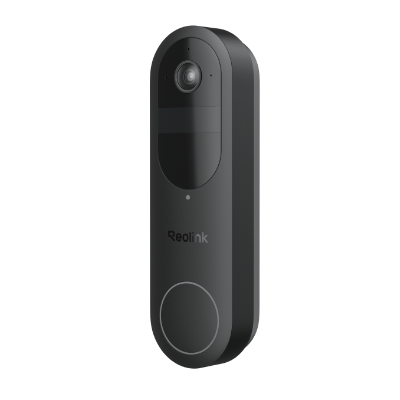
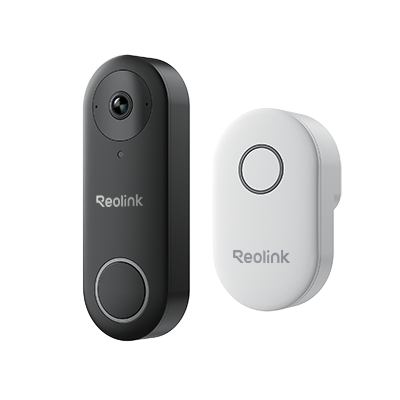
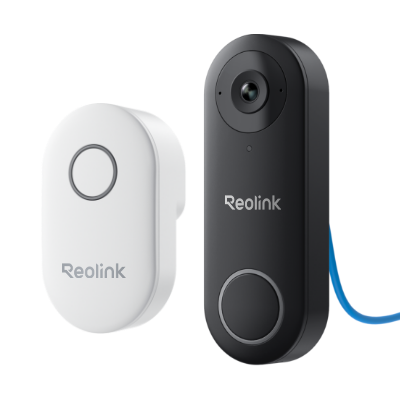
Use live view, two-way audio, motion alerts, local playback, and supported person or package detection without ongoing monthly fees. Optional cloud services may be available for selected models and regions, but they are not required for core doorbell functions.
Choose a Reolink doorbell that fits your existing setup. Battery-powered models offer flexible placement, wired WiFi models can use existing doorbell wiring, and PoE models provide stable power and network connectivity through one Ethernet cable.
Save recordings to a microSD card, Reolink NVR, or Reolink Home Hub, depending on the model. Local storage gives you greater control over your footage without relying entirely on paid cloud storage.
Reolink doorbell cameras provide clear video, smart visitor alerts, two-way audio, and wide or head-to-toe views to help you monitor visitors, deliveries, and activity around your entrance day and night.
The best Reolink doorbell camera depends on your installation and recording needs:
- Best overall Reolink doorbell: Reolink Video Doorbell 2nd Gen offers battery or wired power, a 2K head-to-toe view, package detection, and local storage.
- Best WiFi doorbell camera for 24/7 recording: Reolink Video Doorbell WiFi supports dual-band WiFi and continuous recording with compatible local storage.
- Best for stable wired connectivity: Reolink Video Doorbell PoE uses one Ethernet cable for both power and data, making it suitable for reliable, always-on front-door monitoring.
A video doorbell is a smart security camera integrated into a doorbell. It allows you to monitor your front door, receive instant motion and package alerts, and talk to visitors in real time via a mobile app.
The terms video doorbell and doorbell camera are often used interchangeably. In most cases, both refer to a smart doorbell with a built-in camera, live viewing, motion detection, two-way audio, and video recording.
Some manufacturers use "doorbell camera" as a broader term that includes battery, WiFi, and wired models, while "video doorbell" typically emphasizes the smart monitoring features.
The best video doorbell depends on your home and installation requirements. Wireless battery-powered models are ideal for flexible installation, while wired WiFi or PoE models are better for continuous power and supported 24/7 recording. Look for features such as local storage, smart person and package detection, two-way audio, clear night vision, and a head-to-toe view for complete front-door coverage.
A Wi-Fi doorbell connects to your home wireless network to stream live video, send alerts, and enable two-way audio on your phone. Footage is saved locally (microSD card, Home Hub, or NVR) or via cloud storage.
No. Many smart doorbells operate subscription-free. Brands like Reolink allow you to store video locally on a microSD card, Home Hub, or NVR—giving you live view, motion alerts, and two-way audio without monthly fees.
Battery-powered doorbell cameras typically record when motion is detected to maximize battery life. Wired WiFi and PoE models can support continuous 24/7 recording when connected to compatible local storage such as an NVR.
Yes, but with limited features. Without Wi-Fi, a doorbell camera with local storage can still detect motion and record footage. However, you will lose remote live viewing, push notifications, and two-way audio.
Wired Reolink doorbells, such as the PoE model, use continuous power and are better suited to always-on monitoring and supported 24/7 recording. Battery doorbells offer easier, more flexible installation but typically rely on event-based recording to conserve battery life.
For Home Assistant, the best Reolink options are the Video Doorbell PoE, Video Doorbell WiFi, because they support direct Home Assistant integration. The older Battery Video Doorbell (1st Gen) requires a Reolink Home Hub for Home Assistant integration.
For broader smart home use, Reolink doorbells also support Google Home and Amazon Alexa. If you want the most reliable always-on connection, choose Video Doorbell PoE; if you prefer existing doorbell wiring plus WiFi, choose Video Doorbell WiFi; for flexible wire-free installation, choose the Battery Video Doorbell.
For users who need RTSP or ONVIF, the PoE and plug-in WiFi doorbells support these protocols directly.
A Reolink PoE doorbell uses one Ethernet cable for both power and network data. Connect the doorbell with a Cat5e or Cat6 cable to a compatible PoE NVR, PoE switch, or PoE injector, then add it through the Reolink App, Client, or NVR.
Yes. Reolink offers WiFi and PoE video doorbells with local recording options such as microSD cards and compatible NVR or Home Hub storage. Available storage and cloud options vary by model and region, so check the specific doorbell before setup.


Be Prepared, Be Ahead
Never miss Reolink hot deals, news, and updates tailored for you.
Be Prepared, Be Ahead
Never miss Reolink hot deals, news, and updates tailored for you.

Google, Google Play, Google Assistant and related marks and logos are trademarks of Google LLC. Amazon, Alexa and all related logos are trademarks of Amazon.com, Inc. or its affiliates. Mac and Safari are trademarks of Apple Inc. App Store is a service mark of Apple Inc., registered in the U.S. and other countries. Firefox and the Firefox logo are trademarks of the Mozilla Foundation in the U.S. and other countries. Other product and company names mentioned herein may be trademarks of their respective companies.